 Reply Defaults for X
Your replies.
Your default. On Mac.
Choose who can reply once. Let each fresh blank post on X start with your preferred audience.
Safari for Mac · English interface · macOS 14 or later
Mac App Store release in preparation. Planned US price: $9.90, one-time purchase. No ads, subscription or in-app purchases. Not currently available to download from the Mac App Store.
Setup instructions · Get support
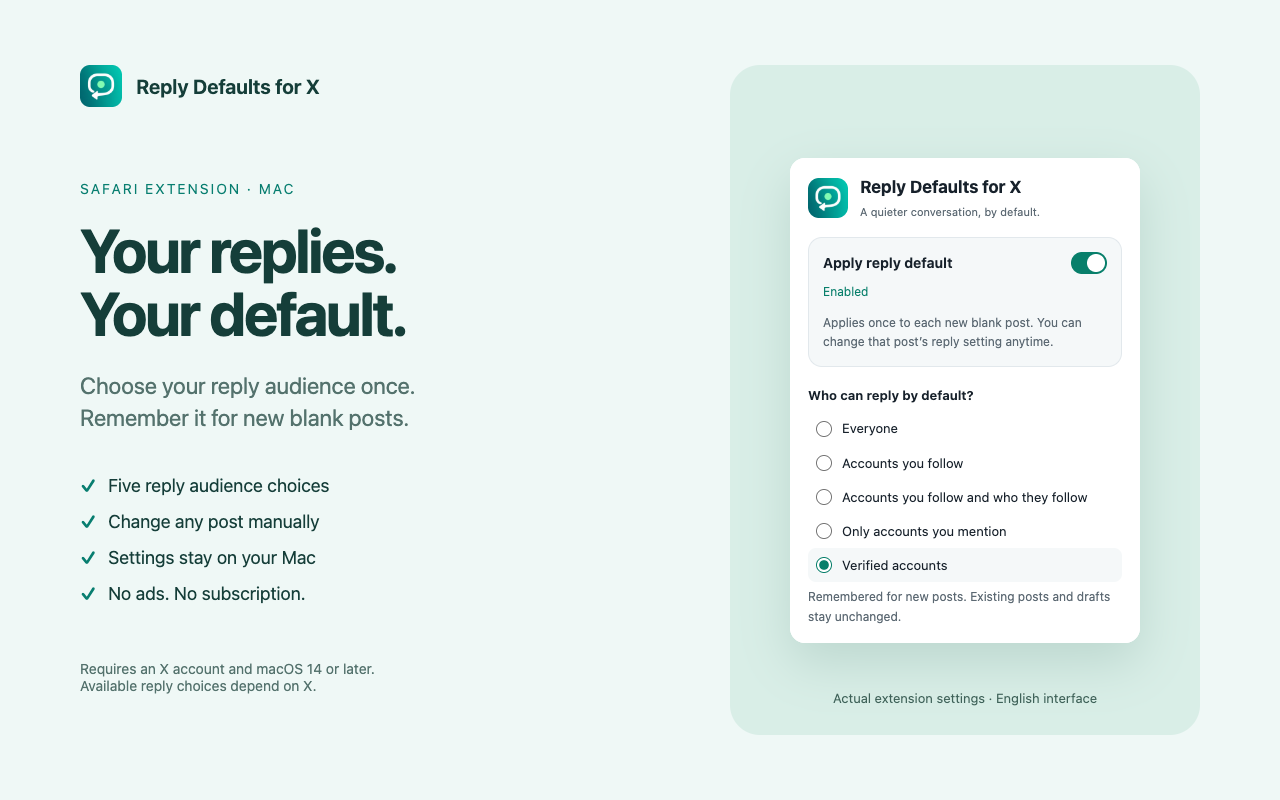
Five choices. One remembered preference.
- Everyone
- Accounts you follow
- Accounts you follow and the accounts they follow
- Only accounts you mention
- Verified accounts
These are X's native reply settings, not a separate permission system. The wider following-network option is not “your followers.” Availability is controlled by X. Always check X's reply label before posting.
Set up in Safari
- Open the Mac app and choose Open Safari Settings.
- In Safari Settings → Extensions, enable Reply Defaults for X and allow it on x.com. Reload existing X tabs.
- Open the extension from Safari's toolbar, turn on Apply reply default and choose your audience.
- Sign in to X using your own account and open a fresh blank post. Check the displayed reply audience; the extension never presses Post.
To pause, turn off Apply reply default. Your saved choice remains on your Mac. Existing posts, text drafts and later manual choices are not silently changed.
Troubleshooting
Why did my current post keep its old setting?
A saved default applies to a new blank composer. An already handled composer or text draft is not silently overwritten. Use X’s native reply control for that post; keep any draft you want to preserve.
What if my chosen option is unavailable?
The extension cannot unlock X features. Available choices depend on X and your account. It reports an option it cannot find or confirm instead of selecting a different audience.
Why are X’s own labels still Chinese?
The extension interface is English. It recognizes supported English and Chinese X controls, but X itself follows your X display-language setting.
Does it publish posts or upload drafts?
No. You publish posts yourself. The extension processes composer elements locally, remembers settings on your Mac and does not upload drafts or browsing history to the developer.
The extension is not changing my reply setting.
Check that it is enabled in Safari, allowed on x.com and enabled in its toolbar popup. Reload X, then open a fresh blank composer. Do not discard a draft you want to keep. If X has changed its interface, choose the audience manually and contact support.
Support & privacy
Email [email protected] for help with Reply Defaults for X for Safari.
Include your macOS and Safari versions, extension version, X display language and the steps that failed. Do not send passwords, account tokens or private drafts. Use sanitized screenshots if needed.
Read the Mac Safari privacy policy · Follow @blocktom on X ↗
Independent extension. Not affiliated with or endorsed by X or Apple. The separate Chrome edition has its own installation and privacy information.