
Private snippet manager
for iPhone
Tap once. Paste anywhere.
CopyEasy keeps the text you type again and again within reach: addresses, replies, signatures, form answers, short notes, and any reusable line you want to stop rebuilding from scratch.
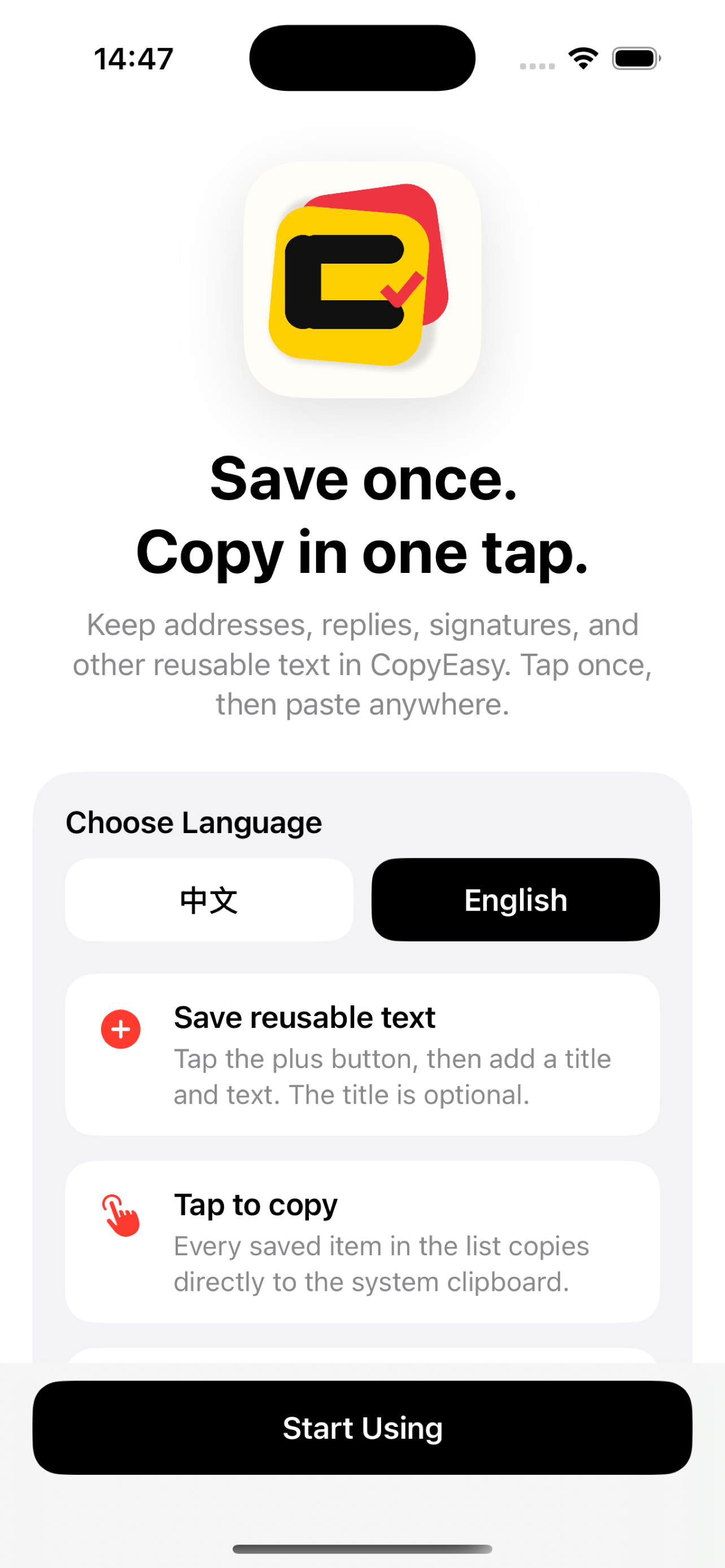
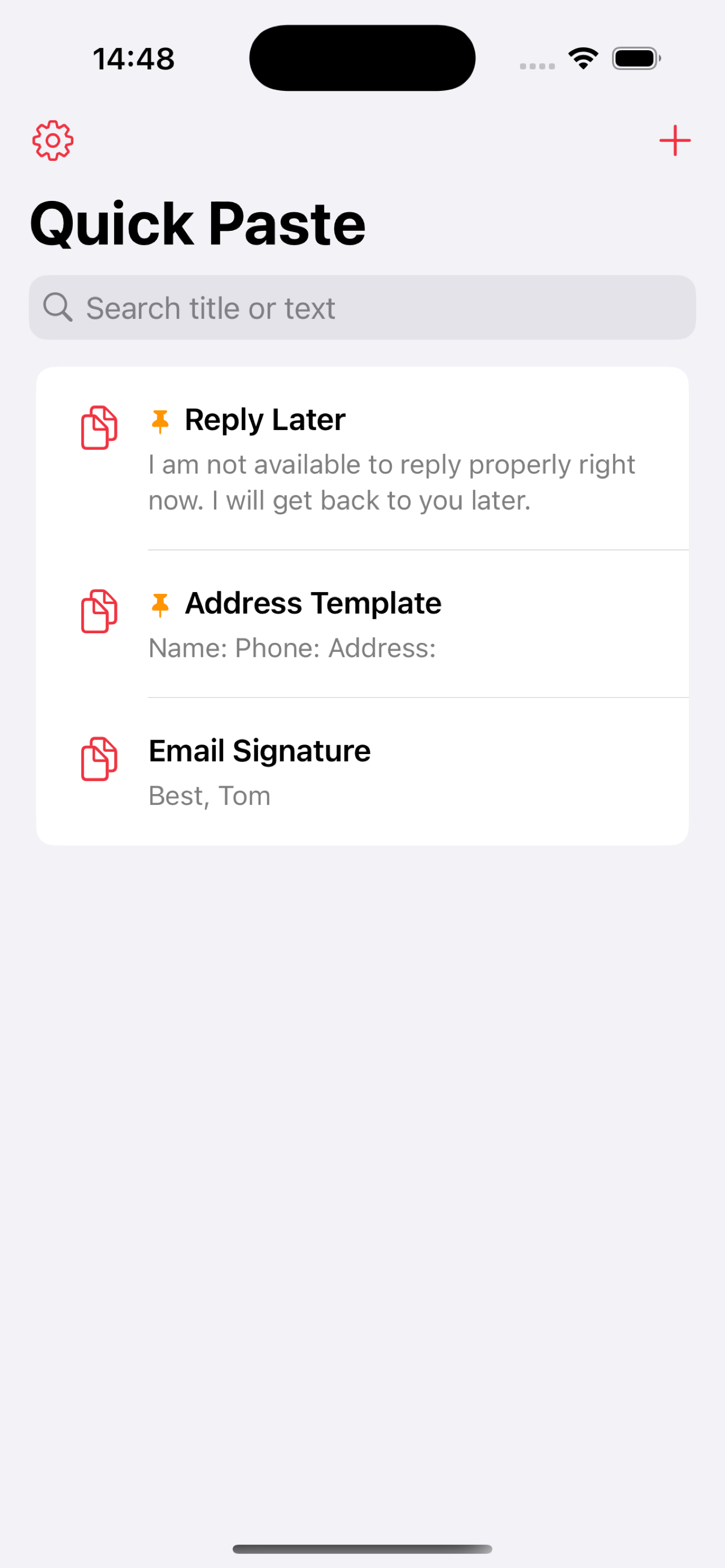
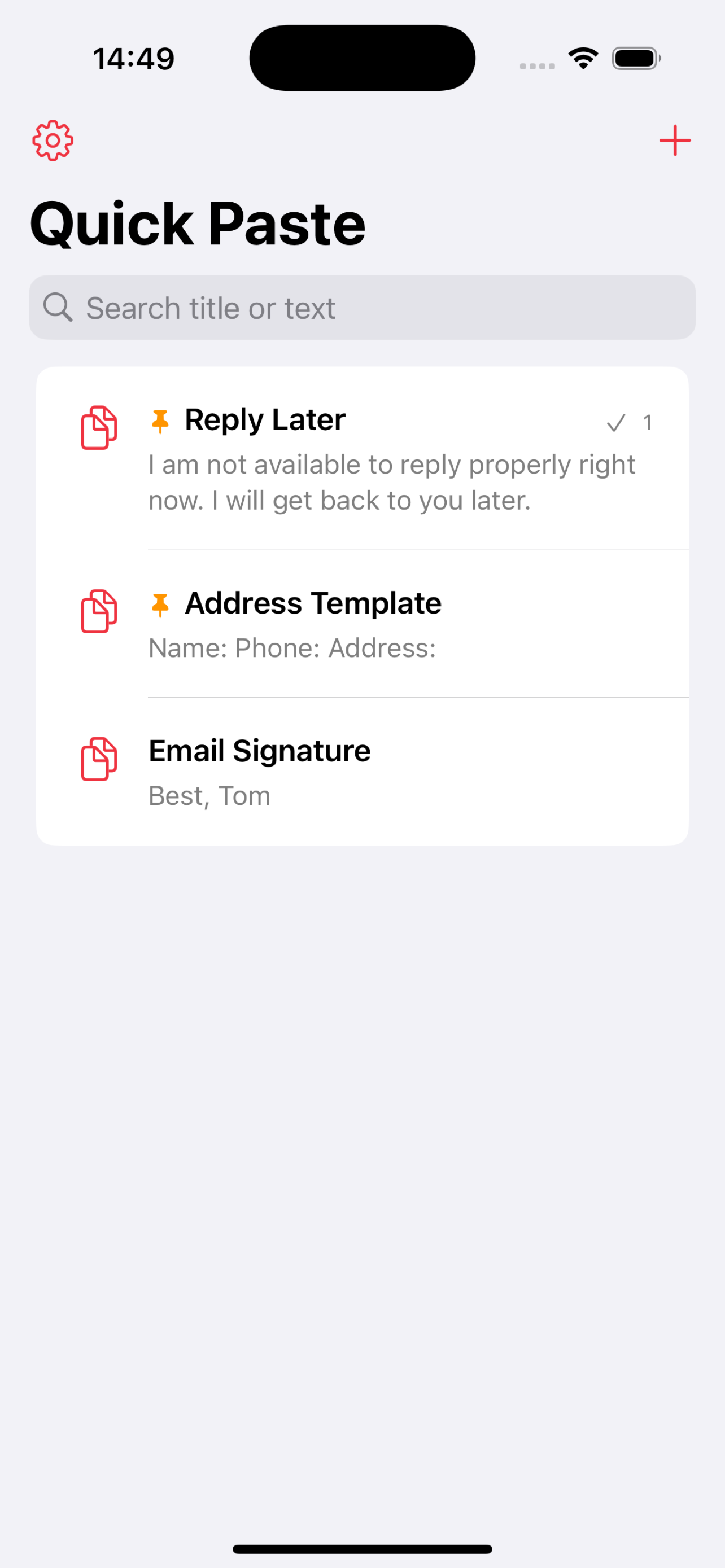
Built for everyday text.
CopyEasy is intentionally small: it gives reusable text a clean home, then gets out of the way when you need to paste.
Keep reusable snippets tidy
Save a title, the full text, and an optional pin so the most important snippets stay easy to reach.
Copy without opening an editor
Tap a row to copy it immediately. A quick confirmation lets you know the text is ready to paste.
Use the order that fits your brain
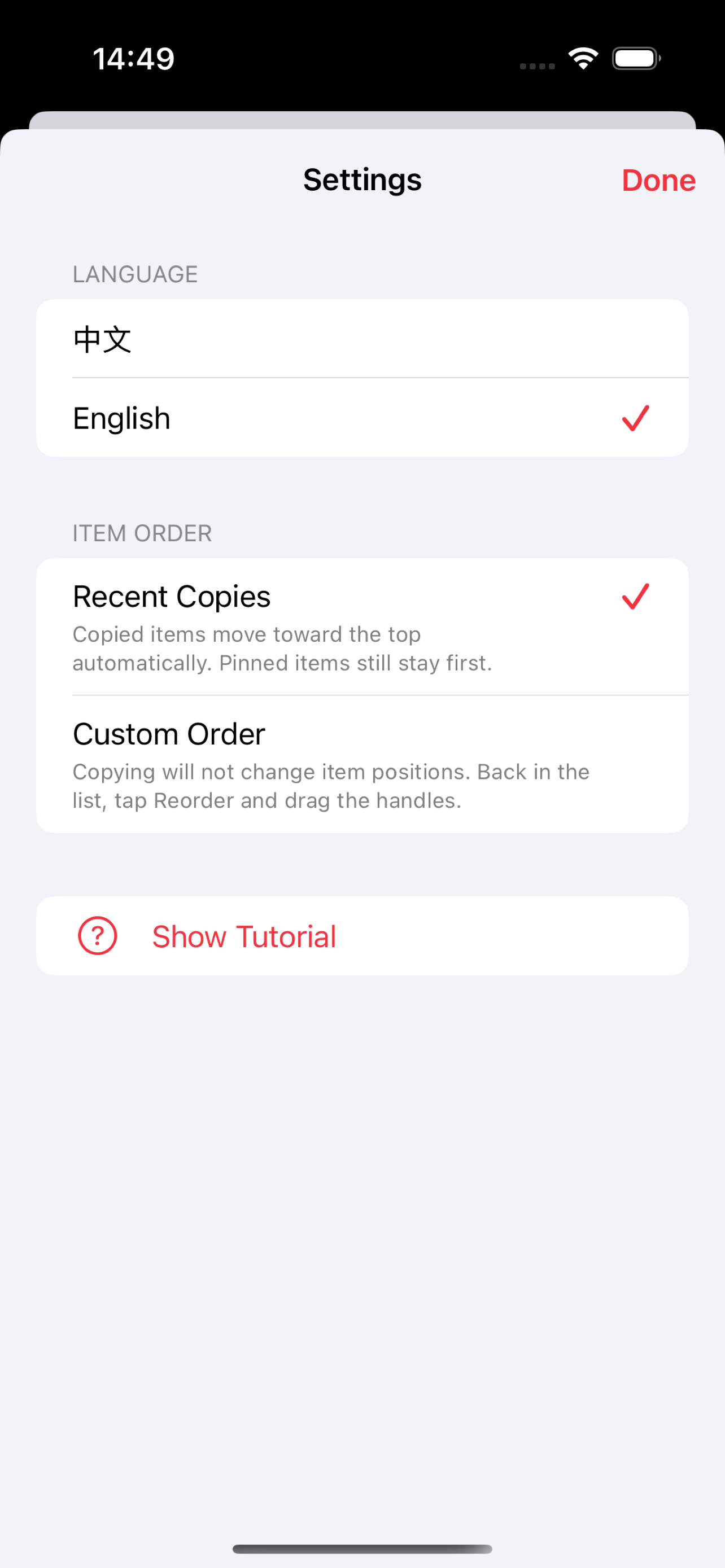
Sort by recent copies or switch to custom order and drag snippets into a personal layout.
Five screens. No clutter.
The interface is direct, native, and calm. It is made for repeat use, not for becoming another place to manage.
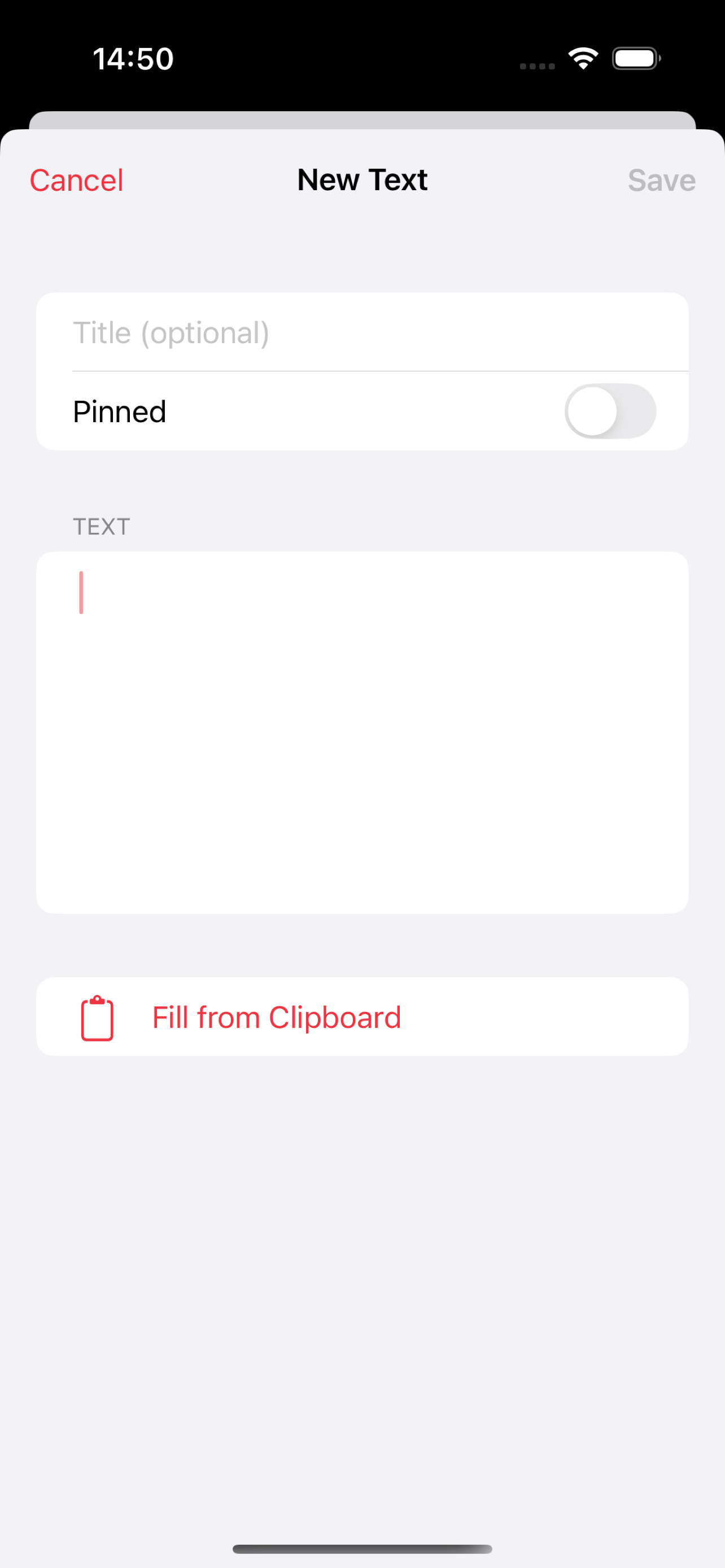
A clipboard companion with boundaries.
CopyEasy is for text snippets you choose to save. It does not watch everything you copy, does not upload your snippets, and does not ask you to create an account before it becomes useful.
- Search by title or content when your list grows.
- Pin important snippets for faster access.
- Fill a new snippet from the current clipboard only when you tap the clipboard action.
- Use English or Chinese inside the app.
CopyEasy Text Snippets for iPhone.
CopyEasy Text Snippets is an iOS utility for people who type the same text again and again. It is built for saved replies, addresses, email signatures, form answers, customer support notes, short templates, and other reusable text you want ready before you open Messages, Mail, Safari, Notes, or a web form.
Reusable replies
Keep polite message replies, customer support answers, appointment notes, and short canned responses ready to copy without rebuilding them every time.
Addresses and signatures
Save frequently used addresses, phone labels, email signatures, social links, and contact templates in a clean private list on your iPhone.
Private clipboard utility
Use CopyEasy as a focused text snippet manager, not a clipboard history tracker. Your snippets stay local, with no account, ads, analytics, or cloud sync.
What is CopyEasy?
CopyEasy is a private iPhone text snippet manager. You save reusable text once, then tap a saved item to copy it to the iOS clipboard and paste it into another app.
Is CopyEasy a clipboard history app?
No. CopyEasy does not monitor everything you copy. It only stores snippets you choose to save, and it reads the current clipboard only when you tap the clipboard fill action while editing a snippet.
Does CopyEasy require an account or cloud sync?
No. CopyEasy has no sign-in system, no developer cloud account, no advertising SDK, and no third-party analytics. Saved snippets are stored locally on your device.
Who is CopyEasy for?
CopyEasy is useful for anyone who repeatedly types addresses, signatures, standard replies, templates, form answers, or short notes on iPhone and wants a fast one-tap way to copy them.
Private by default.
Your snippets are stored locally on your device. CopyEasy has no account system, no third-party analytics, no ads, and no network service for saved text.